

Choosing customer service software should make your work easier, not add more steps to it. But as teams scale, many realise their current platform feels heavier, slower, or more expensive than it should be.
Zendesk is a well-known name in the support world, yet it's also one of the tools people outgrow the fastest.
The workflows may feel too rigid, onboarding may take longer than expected, or the price keeps climbing without giving your team anything new in return.
If these challenges sound familiar, you're in the right place. This guide breaks down the best Zendesk alternatives for 2026 that are easier to set up, simpler for agents to learn, and often far more cost-effective.
Let's explore alternative platforms to Zendesk that offer a smoother, more modern support experience.
Key takeaways
- Zendesk is powerful, but many teams look for alternatives when complexity, pricing, or setup overhead becomes too heavy.
- The best Zendesk alternatives focus on cleaner workflows, simpler onboarding, and pricing that scales without surprises.
- Tools like Reply.cx, Freshdesk, Help Scout, and Zoho Desk offer strong customer service features without the enterprise bloat.
- E-commerce teams benefit most from specialized tools like Gorgias and Tidio, which include built-in order and chatbot workflows.
- The right choice depends on your support volume, channel needs, automation expectations, and how fast you want your agents to adapt.
Why Teams Start Exploring Alternatives to Zendesk?
Most support teams don't think about switching platforms until something starts slowing them down.
When everyday work feels heavier than it should, people naturally begin comparing other options to see what might fit better. For many Zendesk users, a few consistent pain points come up.
1. Platform feels more complex than the team needs
Zendesk has a wide feature set, but that depth often makes simple tasks take longer.
Teams that want a clean, easy-to-manage support tool sometimes find themselves navigating more layers and settings than expected.
2. Pricing increases faster than comfort.
As companies grow, so do costs. Channels, add-ons, and advanced features quickly raise overall spend.
That's when many start looking for more cost-friendly alternatives that support the same work without stretching budgets.
3. Customising workflows can be time-consuming.
Not every team has the bandwidth to spend weeks setting up a help desk.
When tuning automations or updating processes takes too much effort, switching to a simpler platform becomes a practical next step.
4. Support response expectations aren't always met.
When issues come up, slow or limited assistance becomes a roadblock. A support tool should feel dependable, not something you're waiting on during busy hours.
For most teams, these challenges aren't minor inconveniences. They directly impact how quickly your AI agent platforms respond and how smoothly customer conversations move across channels.
This is usually the moment when teams start evaluating alternatives to Zendesk, not because the product is bad, but because they need something that better fits their day-to-day workflow.
Insightful read: Zendesk Sell Shutdown: Survival Guide for Teams
What to Look for in a Zendesk Alternative
Once you decide to explore alternatives to Zendesk, the hard part isn't finding tools. It's knowing what really matters for your team before you switch.
You don't need to memorise every feature across every help desk. You just need a clear checklist that helps you choose the best Zendesk alternative for how your support works today.
1. How easy is the platform to use
Any customer service platform should make daily work feel lighter, not heavier. AI Agents for customer service shouldn't need weeks of training just to reply to customers or find past conversations.
Look for tools where:
- The inbox feels familiar and clean.
- New teammates can get up to speed quickly.
- You don't rely on a consultant for every small change.
2. Flexibility to match your workflows
Every team uses help desk software a little differently. Some rely heavily on tags and views, and others need clear queues per team or brand.
A strong Zendesk alternative should let you:
- Organise tickets to mirror your real process.
- Adjust automations as your volume or structure changes.
- Support multiple brands or regions without messy workarounds.
3. Clear and predictable pricing
Many teams start looking for more affordable alternatives to Zendesk after seeing how quickly costs grow with add-ons, channels, or AI features.
Before you move, check:
- What's included in the base plan?
- Whether reporting, extra channels, or automation costs more.
- How pricing scales as you add agents or volume.
The right tool doesn't have to be the cheapest, but it should be easy to understand and defend.
4. Smooth conversation handling across channels
Modern customer service software needs to keep all conversations in one place, whether they come from email, chat, social, or other channels.
When you compare tools, ask:
- Can agents see a full history of each customer across channels?
- Does the system support true omnichannel support, or just basic email + chat?
- Is switching between channels smooth, or does it feel like juggling tabs?
5. Automation that removes repetitive work
A lot of teams now look for AI-powered customer support, not just basic macros.
Good automation should:
- Route requests to the right team automatically.
- Handle repetitive questions or simple updates.
- Help agents respond faster with suggestions and templates.
The goal isn't to replace people. It's to reduce the manual steps that slow them down.
6. A useful knowledge base, not just a content dump
If your customers use self-service, you're also choosing between Zendesk knowledge base alternatives, not just ticketing systems.
A good knowledge base tool should let you:
- Create and update articles quickly.
- Organise content into clear categories.
- Make answers easy to search and skim.
When this is done well, both customers and agents rely less on back-and-forth emails.
7. Reliable support from the vendor
When your help desk goes down, your whole support operation feels it.
So, as you review Zendesk alternatives for customer service, pay attention to:
- How fast the vendor responds.
- What channels can you use to reach them?
- Whether documentation and onboarding guides are actually helpful.
Best Zendesk Alternatives for 2026 (Ranked & Reviewed)
Finding the right replacement for Zendesk isn't about choosing the tool with the most features.
It's about choosing the one that fits how your team works, responds, and grows without unnecessary complexity or rising costs.
Below is a curated list of the best Zendesk alternatives, explained in a way that helps you quickly understand what each tool does well and where it may fit your support workflow.
| Tool | Best for | Channels (core) | AI & Automation | Pricing level* |
|---|---|---|---|---|
| Reply.cx | Teams that want a fast, intuitive help desk with built-in automation and AI | Email, chat, social | AI reply suggestions, routing, tagging | Transparent, SMB-friendly |
| Freshdesk | Growing teams needing a classic help desk with strong omnichannel support | Email, chat, phone, social | Rules, SLAs, and AI (Freddy) on higher tiers | Free + low → mid tiers |
| Help Scout | Simple, email-centric support with shared inbox and Docs | Email, chat | Light workflows, saved replies | Low → mid |
| Zoho Desk | Cost-conscious teams and Zoho users needing flexible ticketing + CRM link | Email, chat, social, phone | Automation, SLAs, basic AI (Zia) | Free + low → mid |
| Gorgias | E-commerce brands needing deep order & support integration | Email, chat, social, SMS | Macros, rules, ecommerce automations | Volume-based, can scale up |
| Intercom | SaaS and product teams wanting in-app messaging & proactive support | In-app, chat, email, product tours | Advanced bots, AI assistant, workflows | Mid → high, usage-based |
| HelpCrunch | Startups wanting live chat, email, and marketing tools in one place | Chat, email | Chat automation, campaigns | Low → mid |
| LiveAgent | Price-sensitive teams needing many channels (incl. call centre) | Email, chat, social, voice | Rules, SLAs, basic automation | Free + very low → mid |
| Front | Teams that live in email and need a collaborative shared inbox | Email, SMS, chat, WhatsApp | Routing, rules, workflow automation | Mid → high |
| Desk360 | SMBs with mobile apps or global audiences needing multilingual support | Email, chat, social, app stores | Basic workflows, auto-assignment | Free + low → mid |
| Happierleads | Revenue/sales-driven teams focusing on visitor intent | Web tracking, integrations | Lead scoring, behavioural triggers | Mid |
| ThriveDesk | Small ecommerce & SaaS teams wanting an affordable help desk + community | Email, chat | Light automations, ecommerce integrations | Low → mid |
| Tidio | Small businesses and stores wanting chatbots + live chat in one | Chat, email, social | AI chatbots, flows, triggers | Free + low → mid |
1. ReplyCX
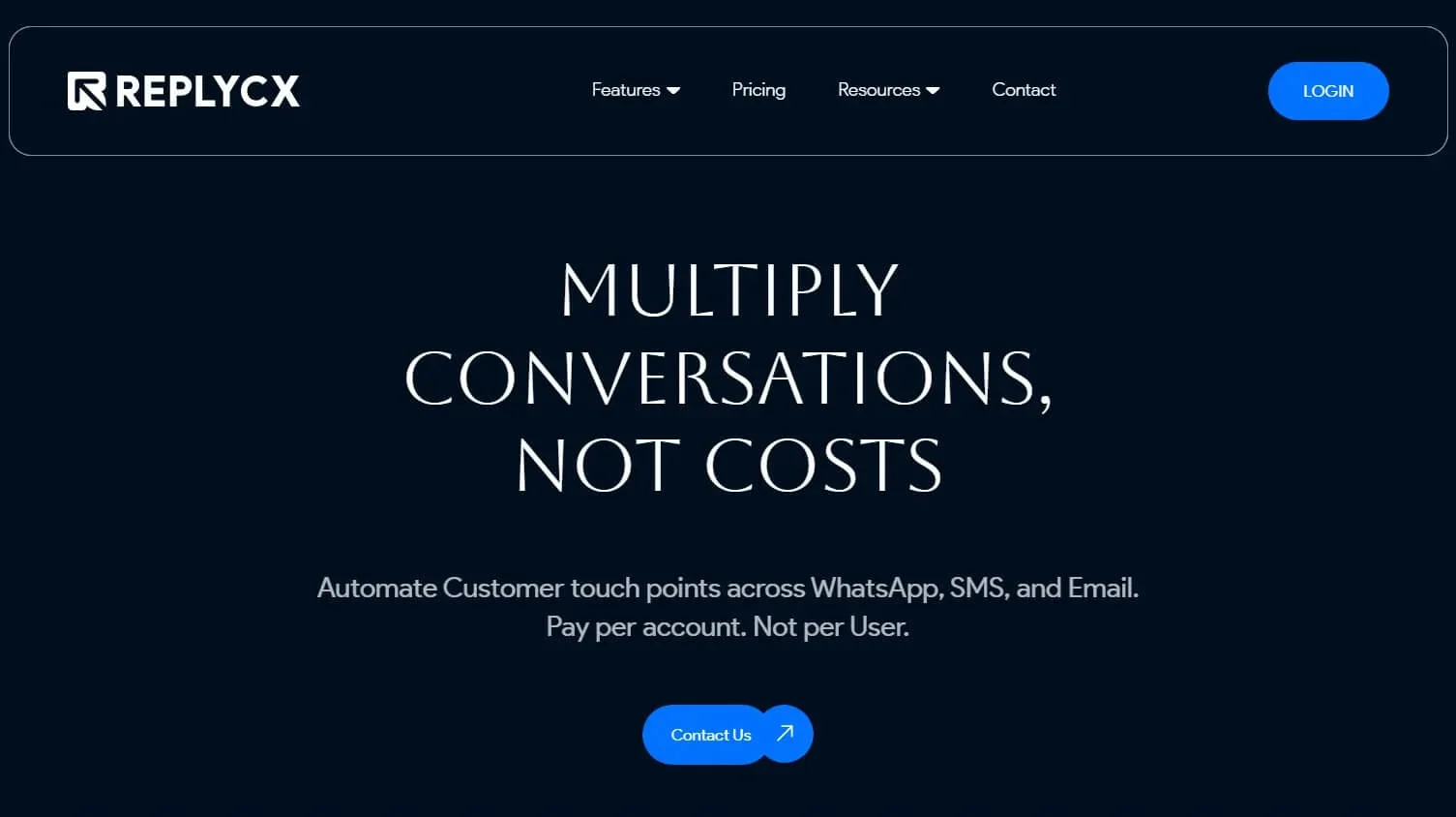
Reply.cx is a modern customer service platform built to simplify how teams manage conversations across email, chat, and social channels.
It focuses on clarity and speed, giving agents an interface that feels familiar from day one and requires minimal configuration to get started.
Best for: Teams that want an intuitive, fast, and easy-to-manage support workspace with built-in automation and AI.
Key Features
- Live Chat for real-time conversations across your website or app
- AI Studio to automate replies, classify intent, and streamline repetitive interactions
- Chatbot Builder for creating custom bots that handle FAQs and route queries instantly
- Ticketing to track, prioritise, and resolve customer issues in a clean, unified flow
- Communication Channels that bring email, chat, and social messages into a centralised workspace
- Analytics with real-time insights into response times, workloads, and team performance
- Integrations that connect Reply.cx with your existing tools, CRMs, and ecommerce platforms
Where it works better than Zendesk
- Cleaner interface with a noticeably shorter learning curve
- Faster setup without needing consultants or complex configuration
Where it may fall short
- Smaller integration library compared to older enterprise platforms
- Some advanced workflows may require initial fine-tuning
Pricing
- Free Trial: Full access + limited conversation credits.
- $199/month: Unified Inbox, Automation Builder, Live Chat, AI tools, Analytics.
- Custom Pricing: White-label plans for agencies and resellers.
2. Freshdesk
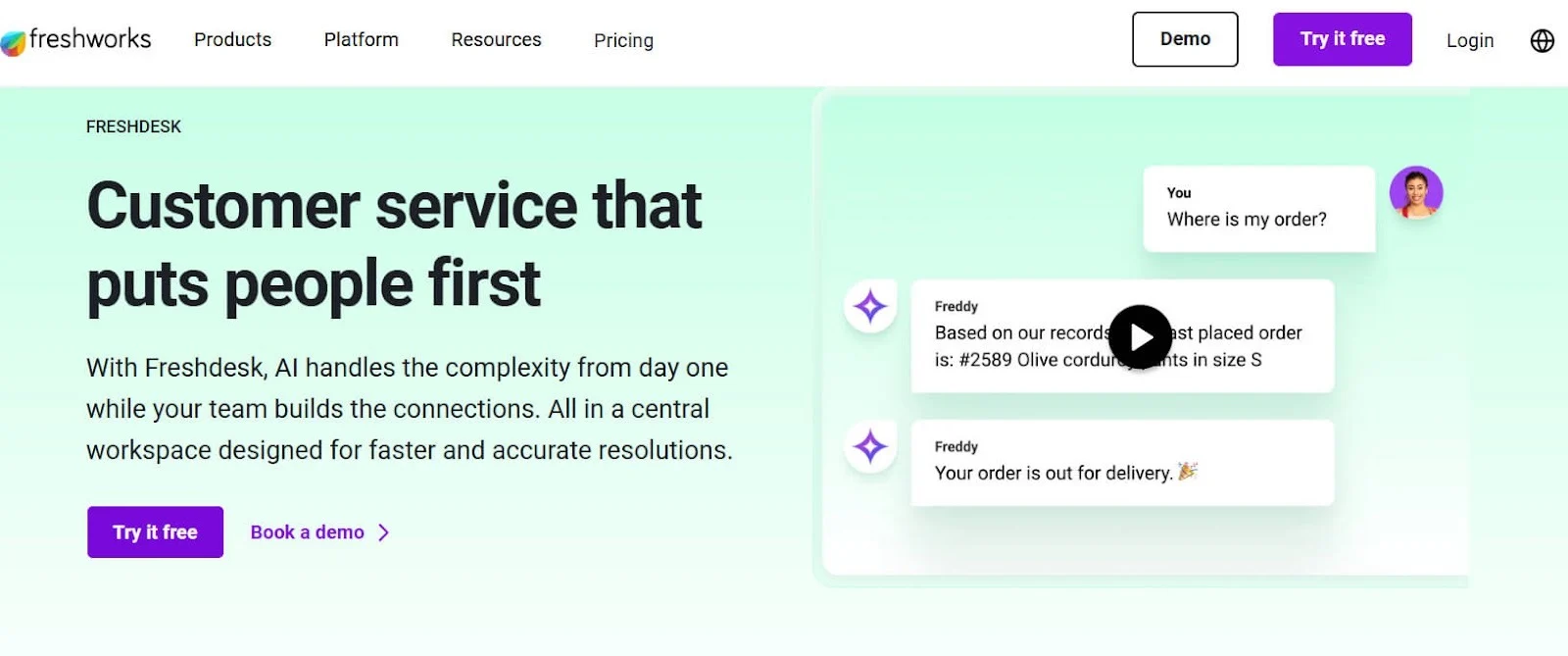
Freshdesk is one of the most well-known Zendesk competitors, offering multichannel ticketing and strong automation at an accessible price point.
Best for: Teams that need a full-featured help desk with flexible plans and strong omnichannel capabilities.
Key Features
- Ticketing across email, chat, phone, and social
- Automations for routing, SLAs, priority rules
- AI-powered Freddy features (suggestions, intent detection)
- Team dashboards and performance analytics
- Knowledge base + self-service portal
- Marketplace integrations with 1,000+ apps
Where it works better than Zendesk
- More affordable for small to midsize teams
- Simpler onboarding and cleaner UI
- Free plan available (Zendesk has none)
Where it may fall short
- Advanced AI and automation are locked behind higher-tier plans
- UI can feel crowded as volume grows
Pricing
- Free Plan – Basic ticketing
- Growth – $15/agent/month
- Pro – $49/agent/month
- Enterprise – $79/agent/month
3. Help Scout
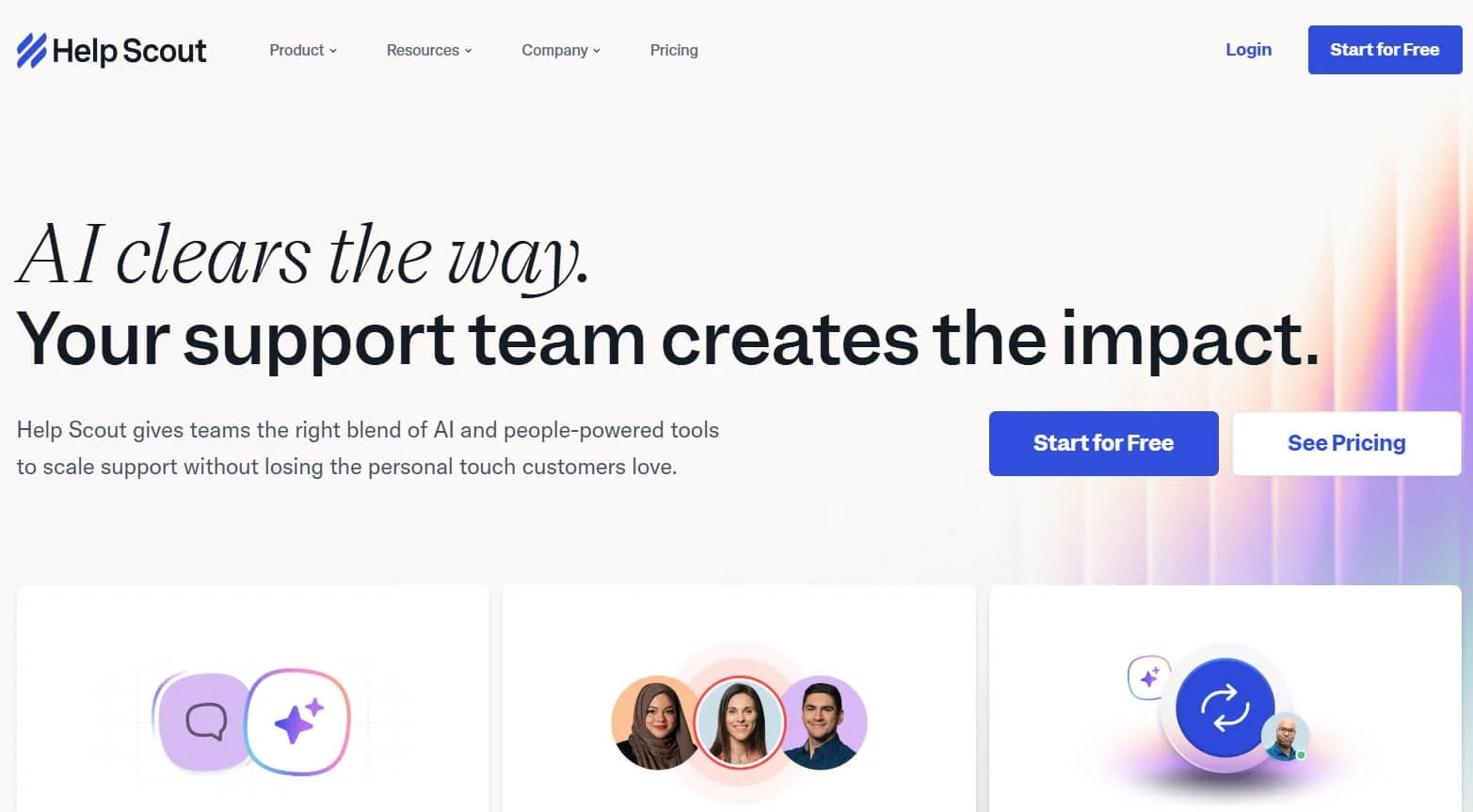
Help Scout is designed for teams who want effortless ease of use and a more human, email-like support experience.
Best for: Small to mid-sized teams that want simplicity, clean design, and fast onboarding.
Key Features
- Shared inbox with tags, notes, and assignments
- Live chat + Beacon widget
- Automated workflows and saved replies
- Built-in Docs knowledge base
- Customer profiles for context
- Collision detection to avoid duplicate replies
Where it works better than Zendesk
- Much simpler interface ideal for lean teams
- Faster setup with minimal configuration needed
- Great "email-first" experience
Where it may fall short
- Not suitable for complex, enterprise-level workflows
- Fewer integrations compared to large help desks
Pricing
- Standard – $20/user/month
- Plus – $40/user/month
- Pro – $65/user/month (requires 25+ users)
4. Zoho Desk
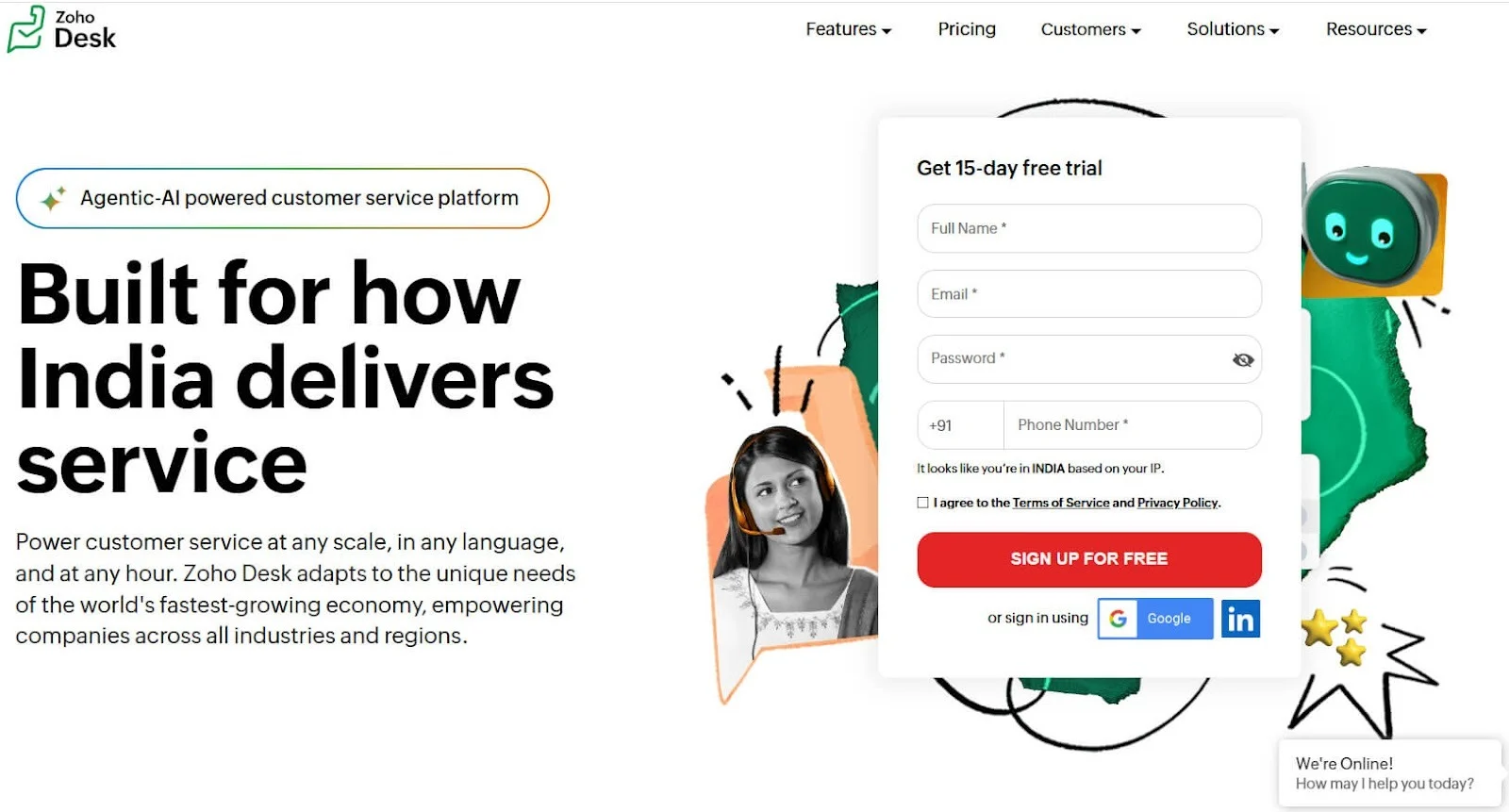
Zoho Desk focuses on flexibility and affordability, especially for teams already using Zoho's ecosystem.
Best for: Businesses looking for a customizable, budget-friendly help desk with deep integrations.
Key Features
- Ticketing across email, chat, and social
- SLA workflows, automations, escalations
- Contextual data from Zoho CRM
- Multi-brand help centres
- AI assistant Zia for sentiment + suggestions
- Customizable dashboards and reports
Where it works better than Zendesk
- More affordable across all tiers
- Strong CRM + help desk integration
- Flexible for different industries and workflows
Where it may fall short
- UI can feel busy or overwhelming
- Setups can get complex as you scale
Pricing
- Free – Up to 3 agents
- Standard – $14/agent/month
- Professional – $23/agent/month
- Enterprise – $40/agent/month
5. Gorgias
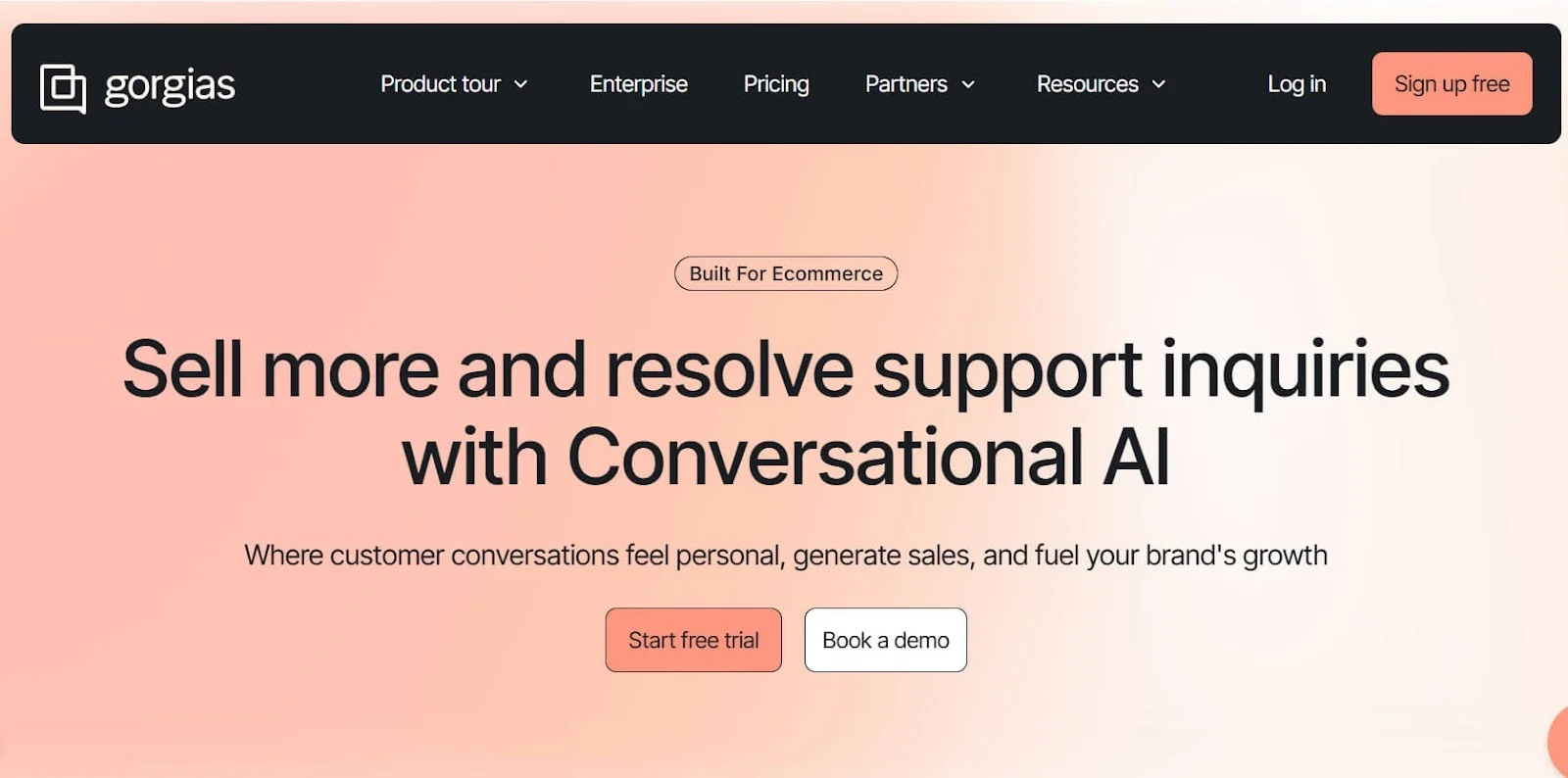
Gorgias is built specifically for e-commerce brands and integrates deeply with Shopify, Magento, and BigCommerce.
Best for: E-commerce stores needing order, refund, and shipping data connected directly to support.
Key FeaturesE-commercee ticketing with order lookup
- Macros, rules, and intents trained for retail
- Live chat + social media support
- Automated responses for shipping, refunds, and order status
- Revenue attribution for support-driven sales
- Deep Shopify integration
Where it works better than Zendesk
- Perfect fit for ecommerce workflows
- Order actions (refunds, cancellations) directly in the inbox
- Faster resolution for shipping and purchase-related questions
Where it may fall short
- Not suitable for non-ecommerce teams
- Pricing tied to ticket volume
Pricing
- Starter – $10/month
- Basic – $60/month
- Pro – $360/month
- Advanced – $900/month
(pricing based on ticket volume)
6. Intercom
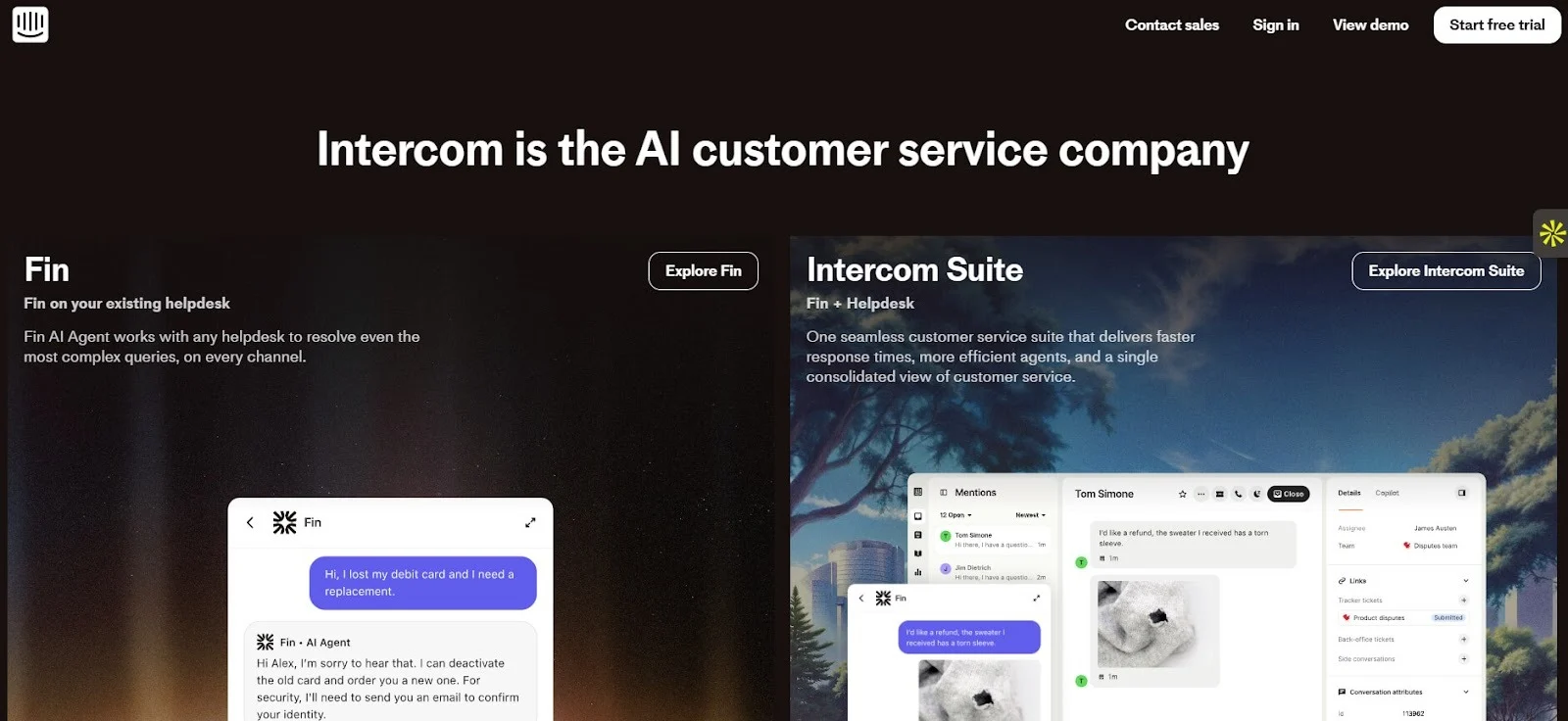
Intercom is a customer service and engagement platform known for its modern messenger, automation, and proactive support capabilities. It's often used by SaaS companies and fast-growing teams that prefer conversational support over a traditional ticketing system.
Best for: SaaS businesses and tech companies that want real-time support, in-app messaging, and strong automation.
Key Features
- Live chat + in-app messenger
- AI chatbot "Fin" for instant automated replies
- Custom bots and workflows
- Unified inbox for chat, email, and in-product messages
- Product tours and proactive messages
- Advanced reporting for support load + user engagement
Where it works better than Zendesk
- A more modern messaging experience
- Stronger automation and proactive support
- Clean UI that feels built for SaaS
Where it may fall short
- Pricing increases quickly as conversations scale
- Requires setup time to build automation properly
Pricing
Intercom pricing is quote-based, but typical ranges are:
- Starter – $39/month (2 seats included)
- Pro & Premium – Custom pricing based on seats + volume
- Fin AI – Charged per resolution
7. HelpCrunch
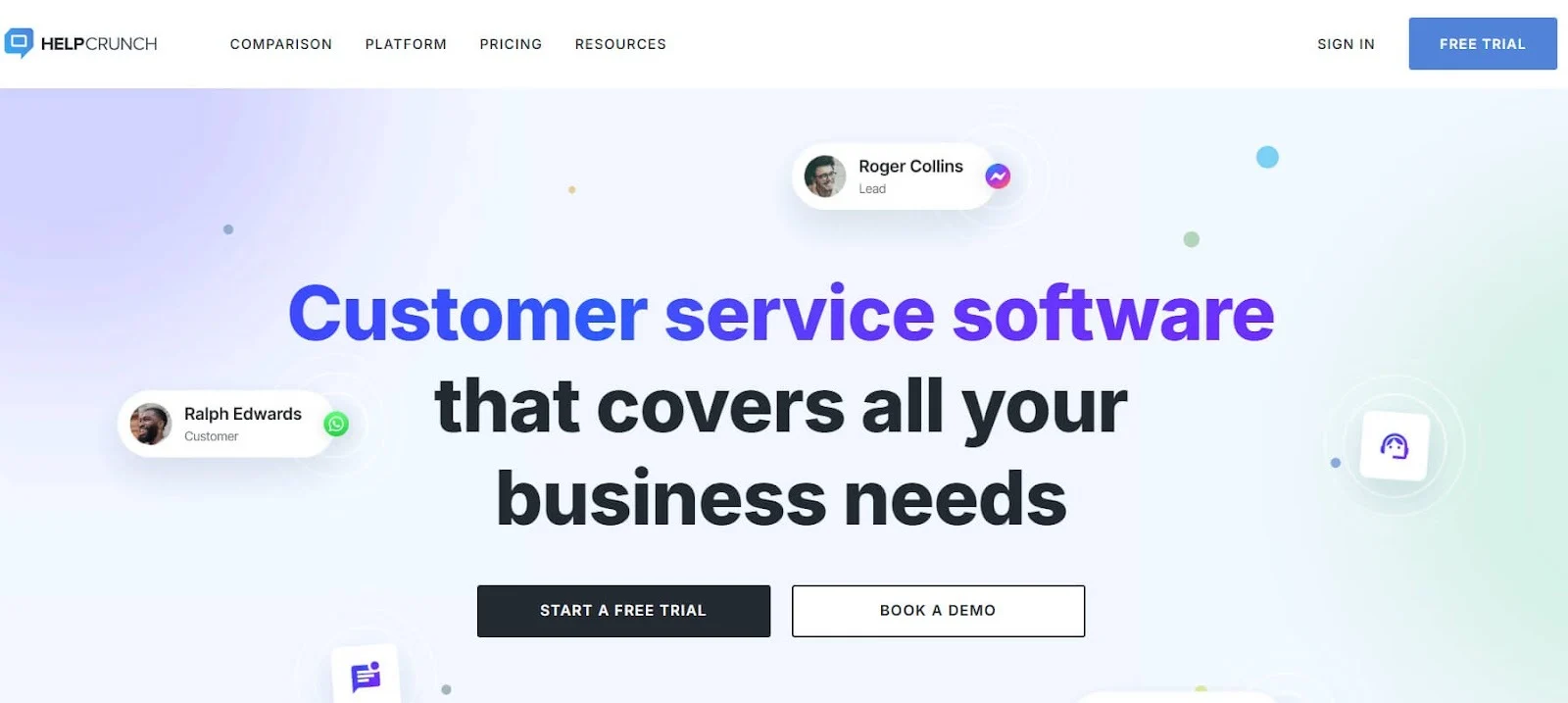
HelpCrunch is an all-in-one support, marketing, and chat platform with a simple interface and affordable pricing. It combines email, chat, and a knowledge base into one workspace.
Best for: Startups, SaaS products, and online businesses that need live chat, help desk, and email support together.
Key Features
- Live chat and chatbot automation
- Unified inbox for email + chat
- Popups and email marketing tools
- Knowledge base builder
- Mobile apps for on-the-go replies
- Light CRM capabilities
Where it works better than Zendesk
- More affordable and easier to set up
- Live chat and email marketing combined in one system
- Great option for smaller teams
Where it may fall short
- Not ideal for large enterprises
- Limited advanced workflow features
Pricing
- Basic – $15/agent/month
- Pro – $25/agent/month
- Unlimited – $620/month (flat)
8. LiveAgent
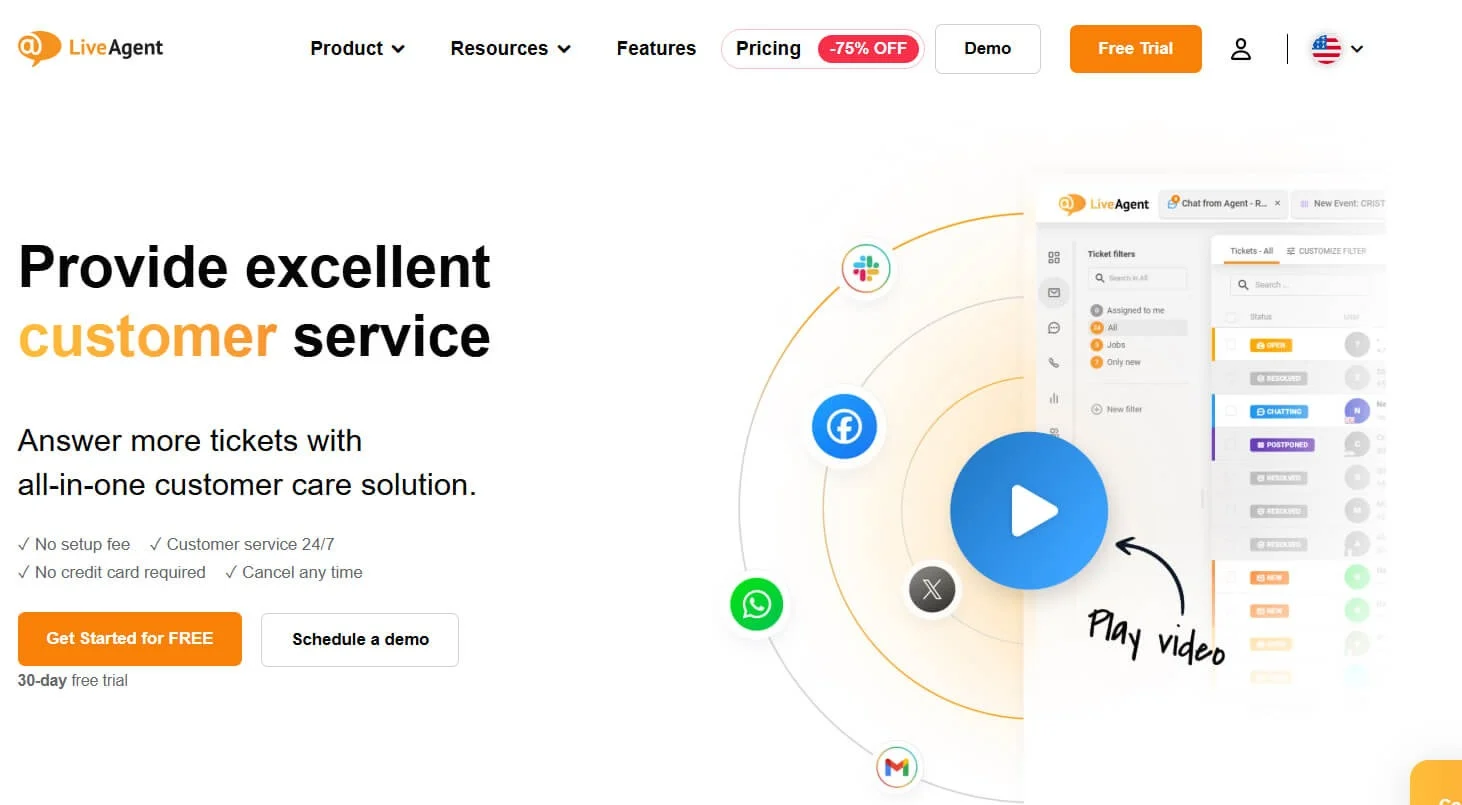
LiveAgent is known for offering a wide range of communication channels, including email, chat, social, and phone, at extremely competitive pricing.
Best for: Teams needing a low-cost help desk with all essential features, including a call centre.
Key Features
- Ticketing across email, live chat, social, and calls
- Built-in call centre + IVR
- Automation rules
- Customer portal + knowledge base
- SLA and time tracking
- 200+ integrations
Where it works better than Zendesk
- Very low pricing compared to most competitors
- Includes full call centre features at no extra cost
- Great value for support-heavy teams
Where it may fall short
- UI feels outdated compared to modern tools
- Setup and navigation can be overwhelming for new users
Pricing
- Free – Basic ticketing
- Small – $9/agent/month
- Medium – $29/agent/month
- Large – $49/agent/month
9. Front
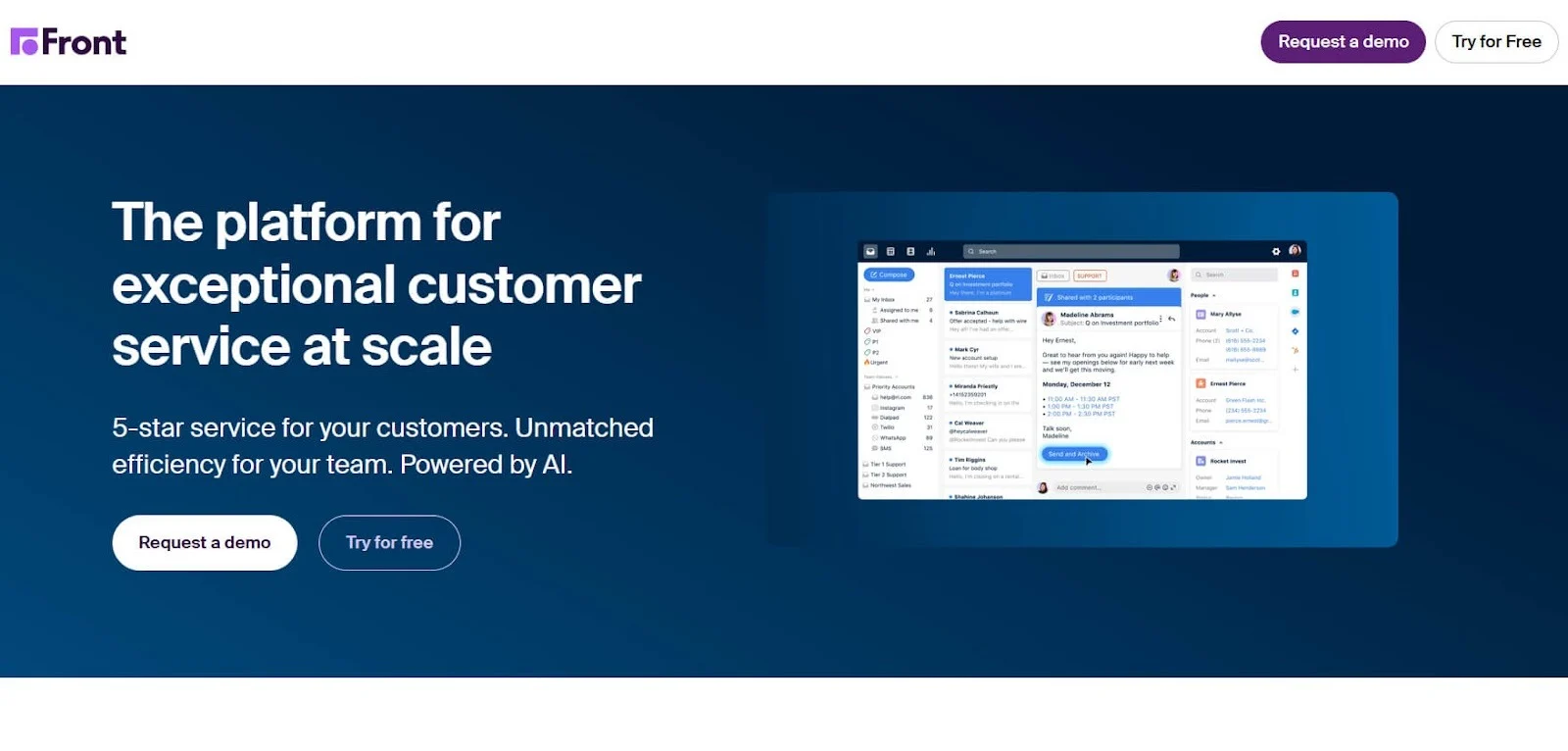
Front blends shared inbox functionality with help desk features, making it ideal for teams that collaborate heavily on email.
Best for: Support teams that rely heavily on email and want a collaborative, fast shared inbox.
Key Features
- Shared inbox + email collaboration
- Internal comments and tagging
- SLAs and workflow automation
- Unified view for email, SMS, chat, WhatsApp
- Analytics for team performance
- Integrations with CRM + project tools
Where it works better than Zendesk
- More email-focused and collaborative
- Faster for communication-heavy teams
- Great for operations, support, and account management
Where it may fall short
- Not a full traditional help desk
- It can get expensive as the team size grows
Pricing
- Starter – $19/user/month
- Growth – $59/user/month
- Scale – $99/user/month
- Premier – $229/user/month
10. Desk360
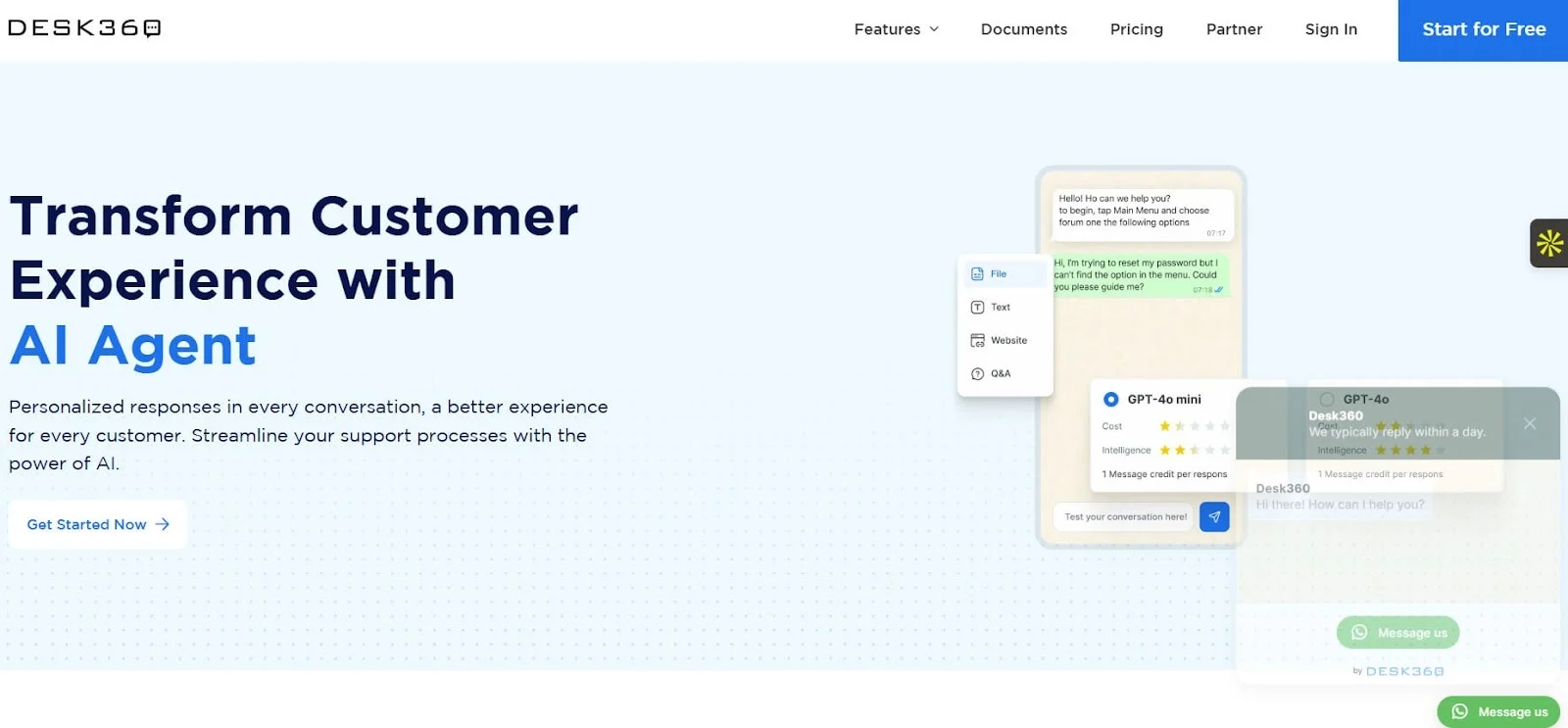
Desk360 is an affordable, multichannel ticketing platform designed for global teams that need simplicity and mobile support.
Best for: Small- to midsize businesses looking for a straightforward, multilingual support system.
Key Features
- Ticketing across chat, email, social, app stores, and WhatsApp
- Multilingual agent and customer support
- Automation workflows
- Mobile SDK for app support
- Knowledge base builder
- Customizable response templates
Where it works better than Zendesk
- More affordable for startup and SMB budgets
- Strong multilingual capabilities built in
- Easier for mobile-app-based businesses
Where it may fall short
- Fewer advanced AI and automation features
- Smaller integration library
Pricing
- Basic – Free
- Pro – $19/agent/month
- Premium – $39/agent/month
11. Happierleads
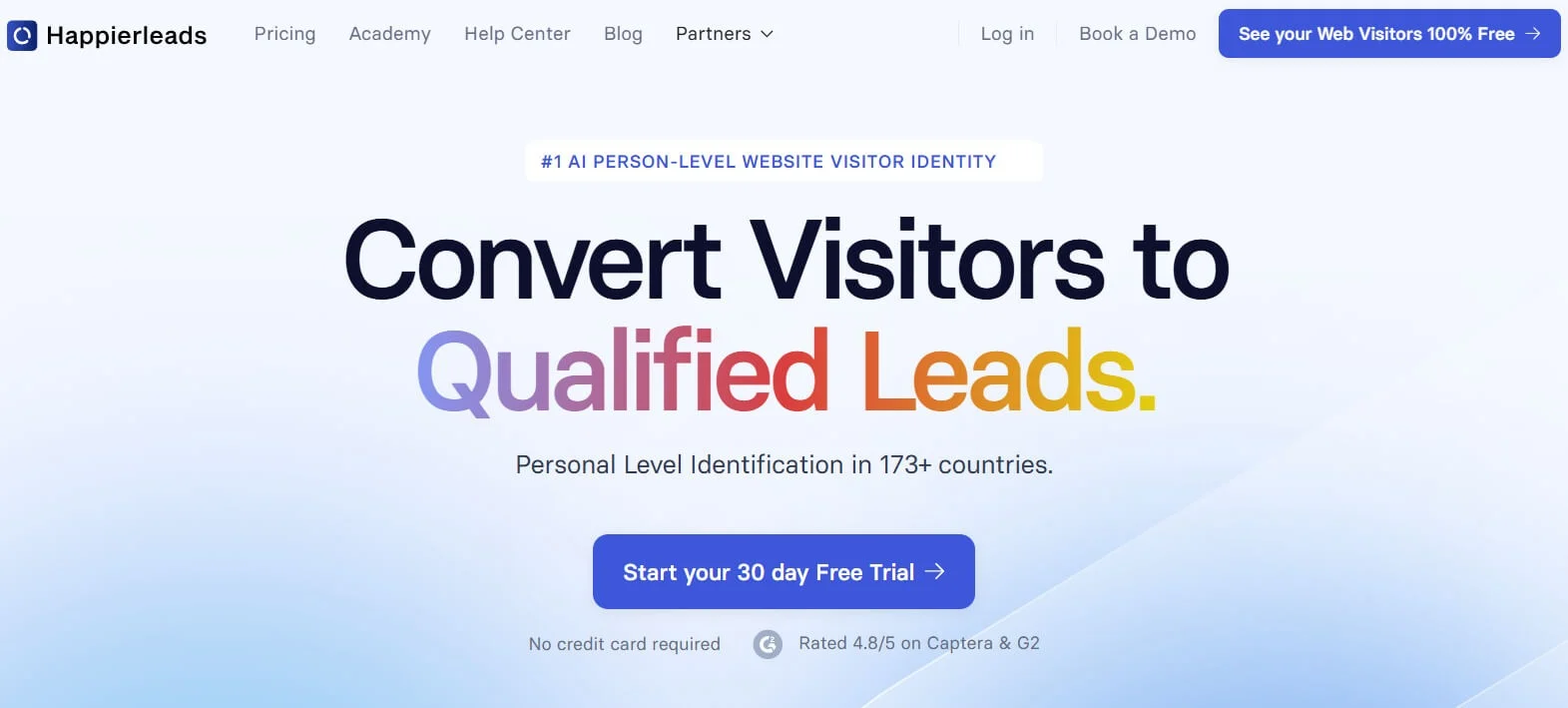
Happierleads is not a traditional help desk but is often considered a Zendesk alternative for teams that want proactive customer engagement and website visitor intelligence rather than ticket-heavy support.
Best for: Sales and support teams that want to identify website visitors, track behaviour, and engage leads quickly.
Key Features
- Real-time identification of anonymous website visitors
- Automatic enrichment (company name, size, industry, location)
- Behavioural tracking and lead scoring
- Alerts when high-value visitors return
- Integrations with CRM and marketing tools
- Unified dashboard for intent signals
Where it works better than Zendesk
- Helps teams engage customers before they submit tickets
- Ideal for revenue-driven support, presales, and success teams
- Shows intent data that Zendesk doesn't provide
Where it may fall short
- Not a full customer service ticketing system
- Not suitable for large-scale support operations
Pricing
- Basic – $149/month
- Growth – $249/month
- Pro – $399/month
12. ThriveDesk
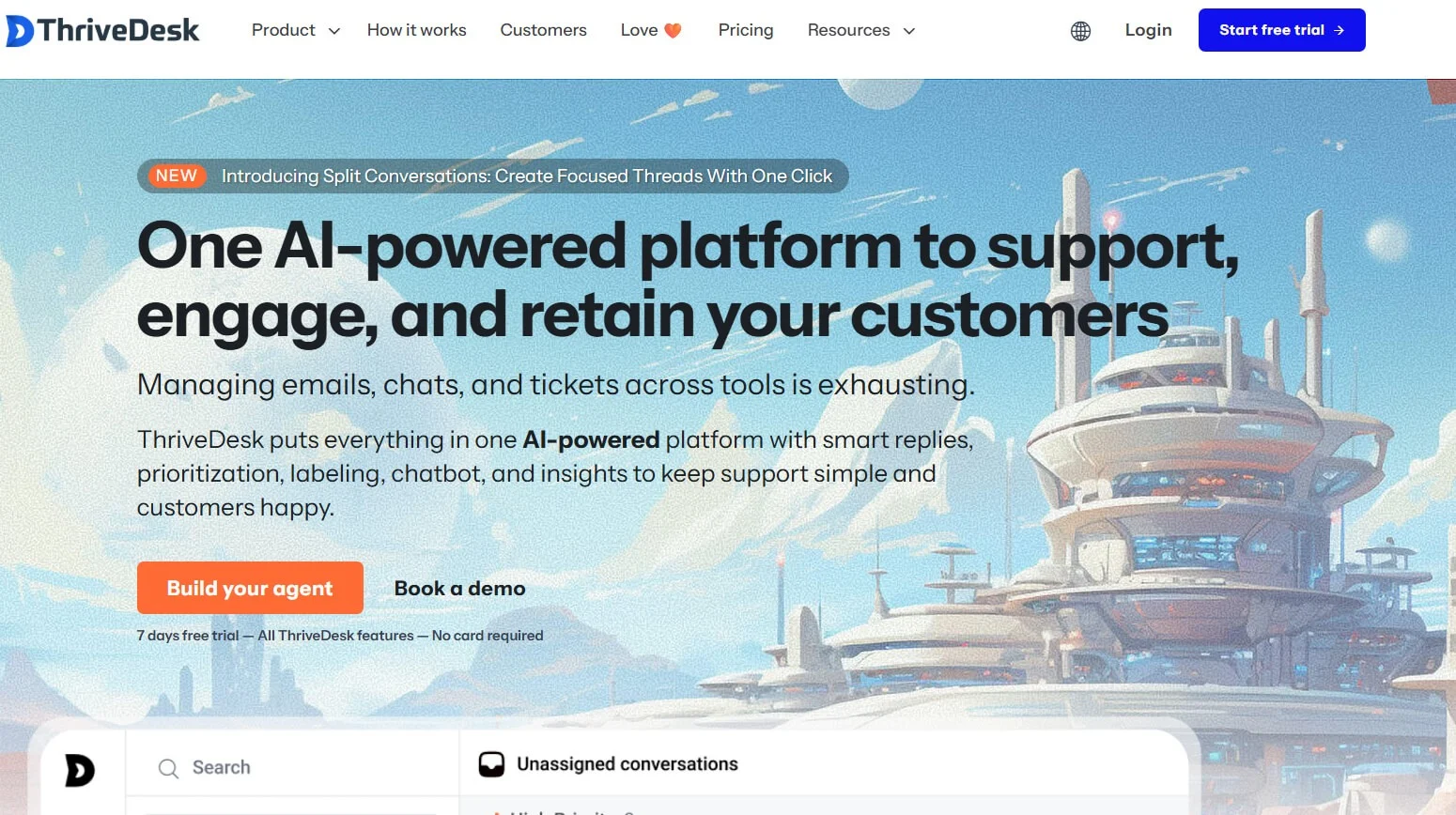
ThriveDesk is a lightweight, budget-friendly customer support tool built for ecommerce businesses, SaaS startups, and bootstrapped teams. It offers essential help desk features with a simple, clean interface.
Best for: Small teams and ecommerce stores needing an affordable, easy-to-use help desk with community tools.
Key Features
- Shared inbox for email support
- Live chat + chatbot
- Knowledge base builder
- Community forum feature (unique)
- Lightweight automation
- E-commerce integrations (Shopify, WooCommerce)
Where it works better than Zendesk
- Much more affordable for early-stage businesses
- The community forum feature is not available in Zendesk
- Simple and easy to train new agents
Where it may fall short
- Limited advanced features for large teams
- Not ideal for multinational or enterprise-level workflows
Pricing
- Standard – $25/agent/month
- Premium – $49/agent/month
- Enterprise – Custom pricing
13. Tidio
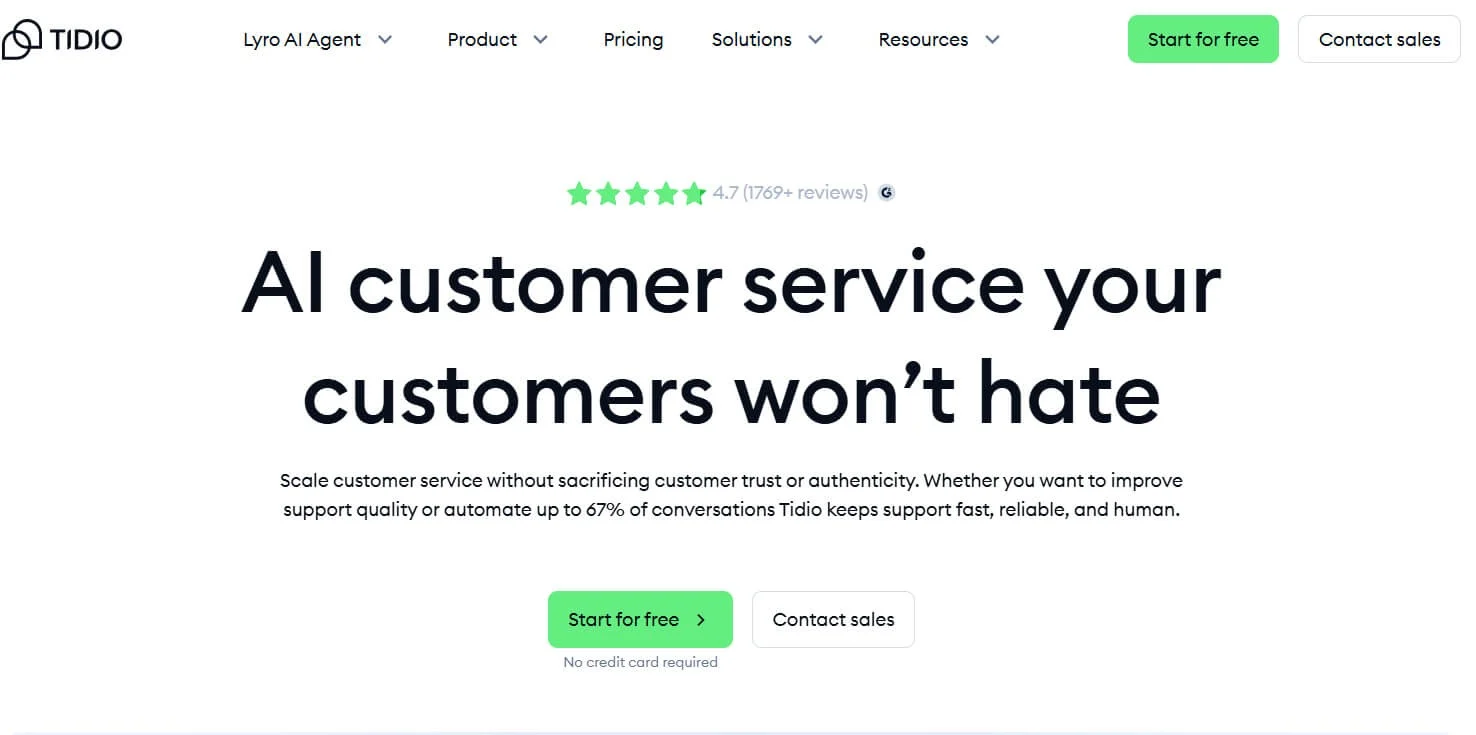
Tidio blends live chat, AI chatbots, and help desk functionality, making it ideal for small businesses wanting automated conversational support.
Best for: Small businesses, ecommerce shops, and teams that want AI chatbots + live chat in one system.
Key Features
- Live chat + multichannel inbox
- AI chatbot "Lyro" to automate responses
- Custom chatbot builder
- Visitor tracking and proactive chat triggers
- Shopify, Wix, WooCommerce integrations
- Ticketing system for structured support
Where it works better than Zendesk
- Much stronger chat + chatbot-first experience
- More affordable for automation-heavy workflows
- Ideal for e-commerce and instant support needs
Where it may fall short
- Not a full enterprise help desk
- Ticketing features are more basic than Zendesk or Freshdesk
Pricing
- Free Plan – Basic chat
- Starter – $29/month
- Chatbots – $29/month
- Lyro AI – $39/month
Conclusion
Choosing the right Zendesk alternative isn't about finding a tool with the most features; it's about finding one that actually fits how your team works.
If Zendesk feels heavy, expensive, or harder to manage than it should be, you're not alone. Many teams switch simply because they want a cleaner setup, faster onboarding, and support software that doesn't slow agents down.
The good news is there are real alternatives that do exactly that.
Whether you need simple ticketing, strong automation, e-commerce workflows, or a budget-friendly option, this list gives you everything you need to make a confident decision without trial and error.
Pick the platform that aligns with your team's workflow, not the one that forces you to adapt.
That's the easiest path to faster replies, happier customers, and a support system your team actually enjoys using.
Frequently asked questions
1. Why are so many teams looking for Zendesk alternatives?
Many teams start exploring Zendesk alternatives when the platform feels too complex, pricey, or slow for everyday customer support work.
As support volumes grow, even simple tasks can feel heavier, which pushes teams to consider alternatives to Zendesk that offer faster onboarding, cleaner workflows, and more predictable pricing.
2. What are the best Zendesk alternatives right now?
The best Zendesk alternatives are those that match your support style, not just the ones with the longest feature lists. Most companies shortlist top Zendesk alternatives that provide omnichannel support, automation, AI assistance, and a UI that agents can learn in days, not weeks. When comparing Zendesk to other options, evaluate three factors: setup time, must-have features, and the final per-agent cost.
3. Are there any free Zendesk alternatives?
Yes, some tools offer free plans that work well for very small or early-stage teams.
These free Zendesk alternatives typically include basic ticketing, shared inbox features, and simple collaboration tools.
Just remember: free alternatives to Zendesk often come with limits on users, channels, or automation, so they're great for testing but not ideal for scaling.
4. What are some good AI alternatives for Zendesk?
More teams are now asking, "What are some good AI alternatives for Zendesk?" because AI can reduce ticket loads and speed up replies.
AI-powered platforms often include auto-tagging, suggested replies, summarization, automation, and bots that can resolve simple issues without an agent.
When choosing an AI-focused option, make sure the setup is quick and the pricing is clear; some tools quietly charge per AI conversation.
5. Which Zendesk alternatives are most affordable for small teams?
If budget is a concern, consider affordable alternatives to Zendesk that bundle essential features without extra add-ons.
The best low-cost Zendesk alternatives typically include omnichannel support, rules-based automation, and reporting at a predictable monthly price.
These are built for teams that want structure, speed, and clarity without enterprise-level complexity.
6. What can I use instead of Zendesk Guide or the Zendesk knowledge base?
If documentation and self-service matter most, there are dedicated Zendesk Guide alternatives with strong article editing tools and SEO-friendly help centers.
These Zendesk knowledge base alternatives often provide multilingual content, article analytics, internal notes, and customizable layouts, making it easier for users to find answers.
The best ones also integrate directly with your inbox or live chat so agents can share articles faster.
7. How do I pick the right Zendesk alternative without disrupting my team?
Start by mapping your top workflows, then compare Zendesk to alternatives only against those needs. Most modern platforms offer import tools or assisted migration, so moving your tickets, contacts, and articles isn't as painful as it used to be.
A quick pilot with a small agent group is the safest way to see how your chosen Zendesk alternative for customer service performs in real conversations.
8. Are Zendesk alternatives better for e-commerce or SaaS?
It depends on your channels and ticket patterns. Some Zendesk competitors and alternatives are built for e-commerce (fast order lookups, returns, and automation).
Others focus on SaaS use cases (account issues, technical support, SLAs). Choose based on the problems you solve most often; that's how you find the best alternatives to Zendesk for your specific team.